
New Instructor Dashboard Experience#
The Instructor Dashboard has been rebuilt using modern web technologies, enabling dynamic pages and cleaner designs. Along with the visual and technology changes, some tools have been reorganized or renamed for clarity.
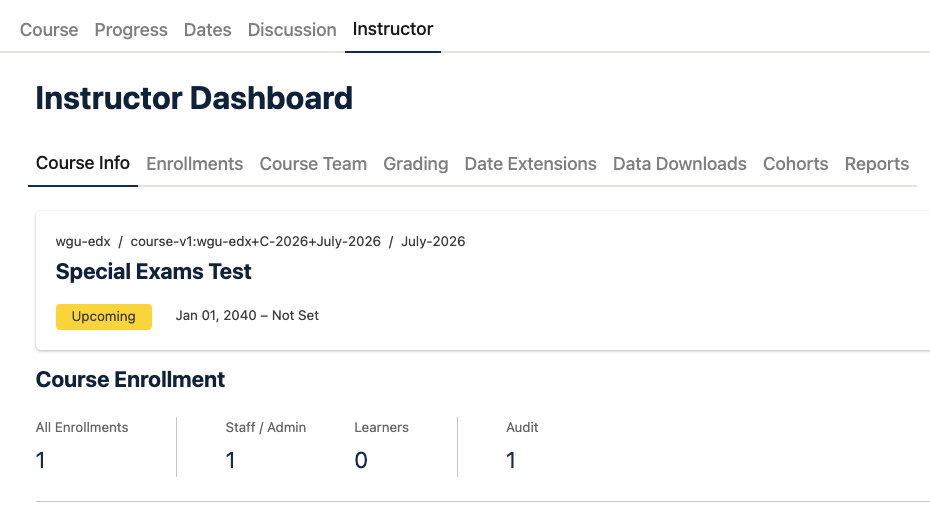
Sortable, Searchable Tables#
Many Instructor Dashboard pages now use visually improved tables that let you filter or search through all entries to find what you need. Many tables also include row-level actions for editing specific entries.
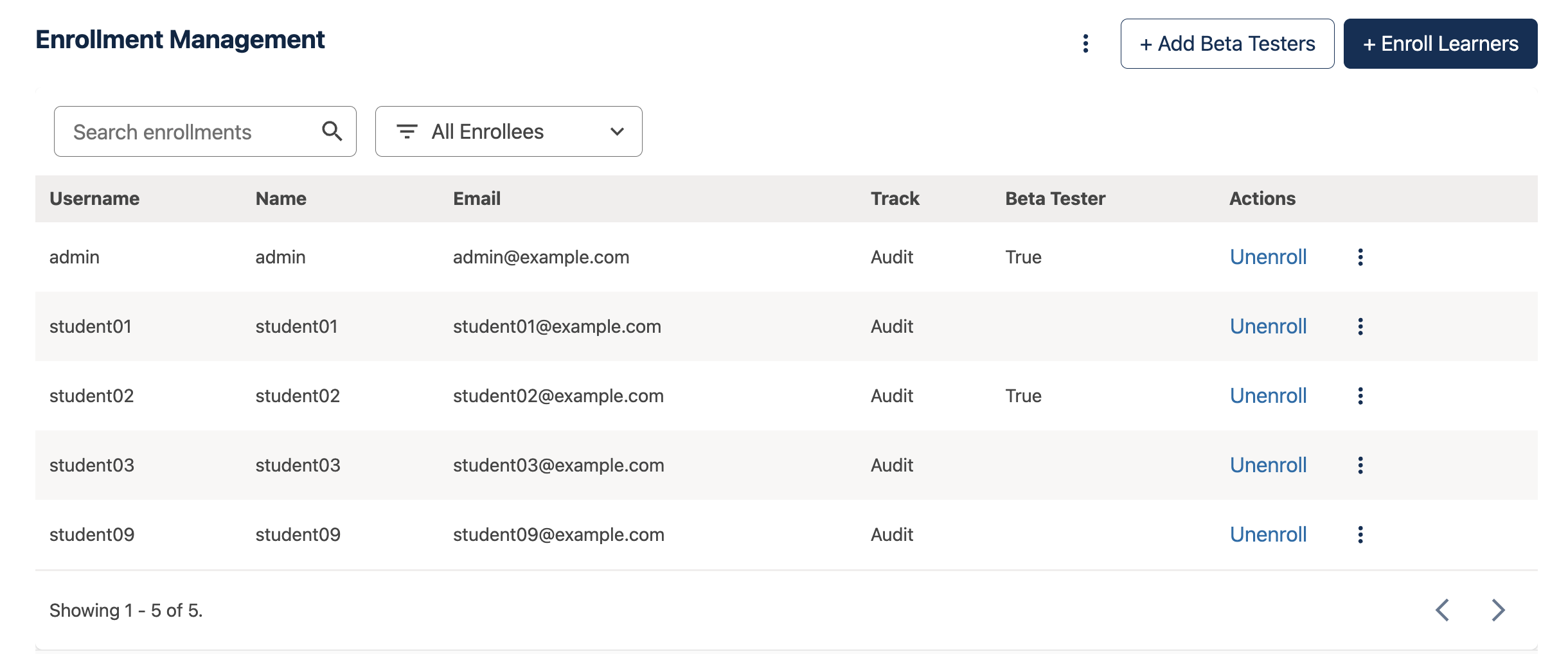
The new Instructor Dashboard uses searchable, sortable tables to quickly display the data you need#
Page-Level Actions#
The most important actions are now placed at the top right of most pages. These include primary actions (such as adding a learner or a grading exception) and links to related external views. Less critical actions appear in an overflow three-dot menu.

Page level actions highlighted in red#
Content Grouping#
Some tools use tabbed navigation to group related actions. On the Data Downloads page, for example, report generation tools are now grouped by report type — such as Enrollment Reports or Problem Response Reports — rather than listed together on a single flat page.
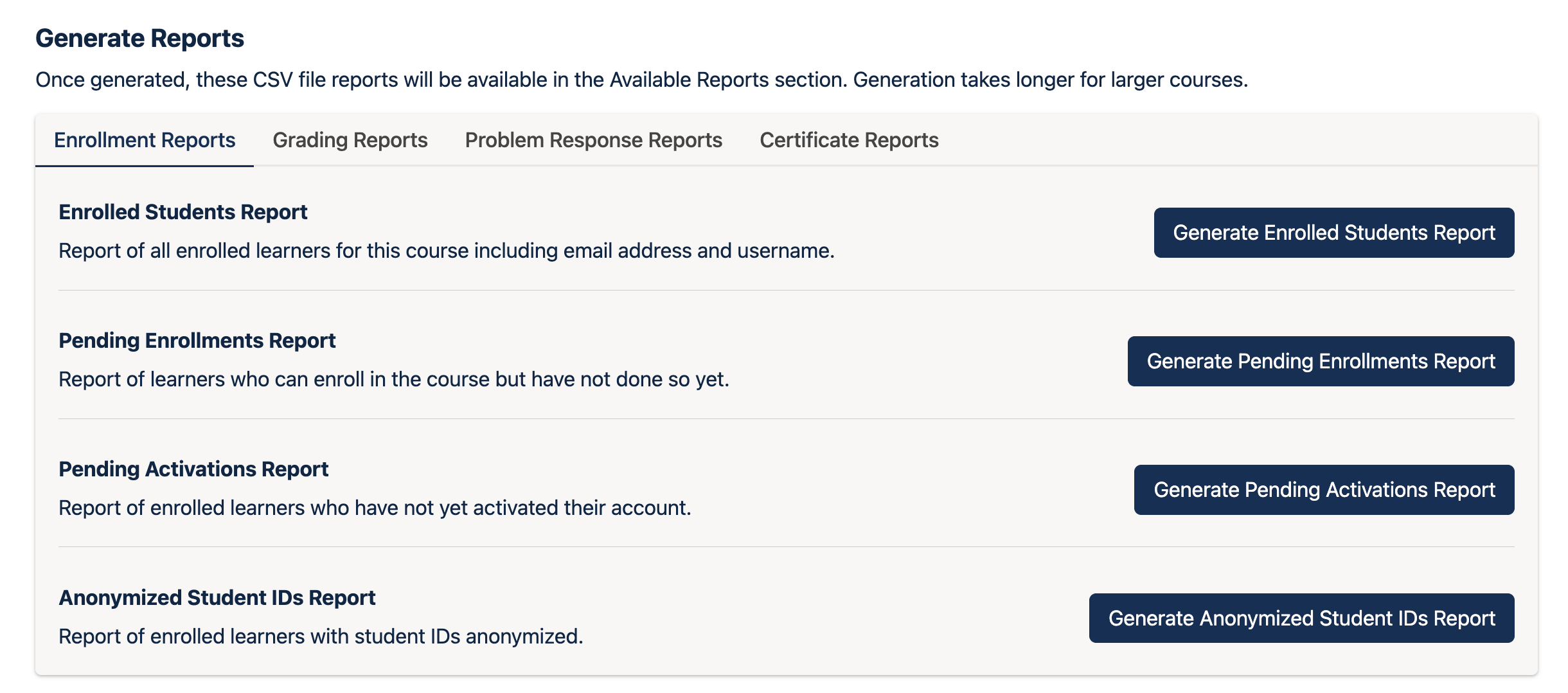
An example of content grouping on the Data Downloads page#
Renames and Reorganizations#
Several tools have been renamed and some functionality has moved to ensure that related actions stay together:
Membership is now split into two separate tools: Course Team and Enrollments.
Student Admin is now Grading. Enrollment-related actions that previously lived here have moved to the new Enrollments page.
Extensions is now Date Extensions.
See also
Open edX Verawood Release - Product Release Notes (reference)
Open edX Verawood Developer & Operator Release Notes (reference)
Maintenance chart
Review Date |
Working Group Reviewer |
Release |
Test situation |
2025-07-30 |
Schema |
Verawood |
Pass |